Reporting a bug in the 3D application
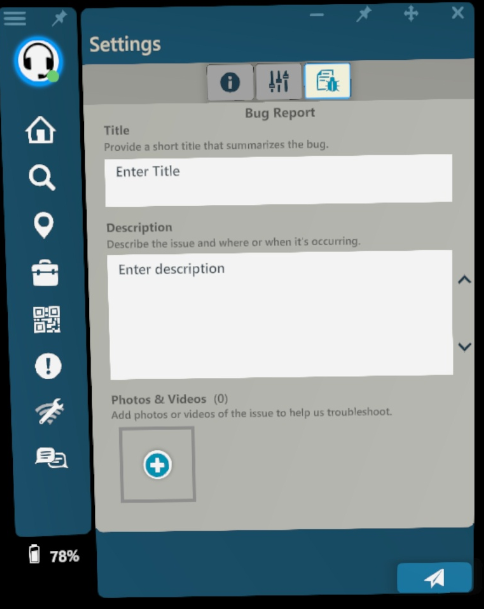
- While logged into the 3D application, go to ‘Settings’
- Select the tab for “Bug Report”
- Enter in a Summary (brief title for the issue) and then a Description (including any relevant detail).
- Then select Submit
Reporting a bug in the Manifest Web Application
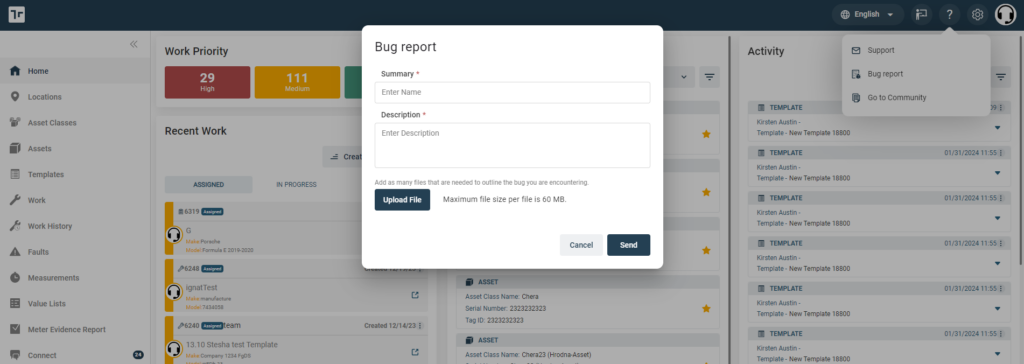
- While logged into the Client Web Portal, select the question mark icon in the upper-right corner.
- Select the option “Bug Report”
- A window will open prompting you to enter in a Summary (brief title for the issue), Description (including any relevant detail about the issue and repro steps if possible), and optional files such as screenshots.
Reporting a bug in the iPadOS Application
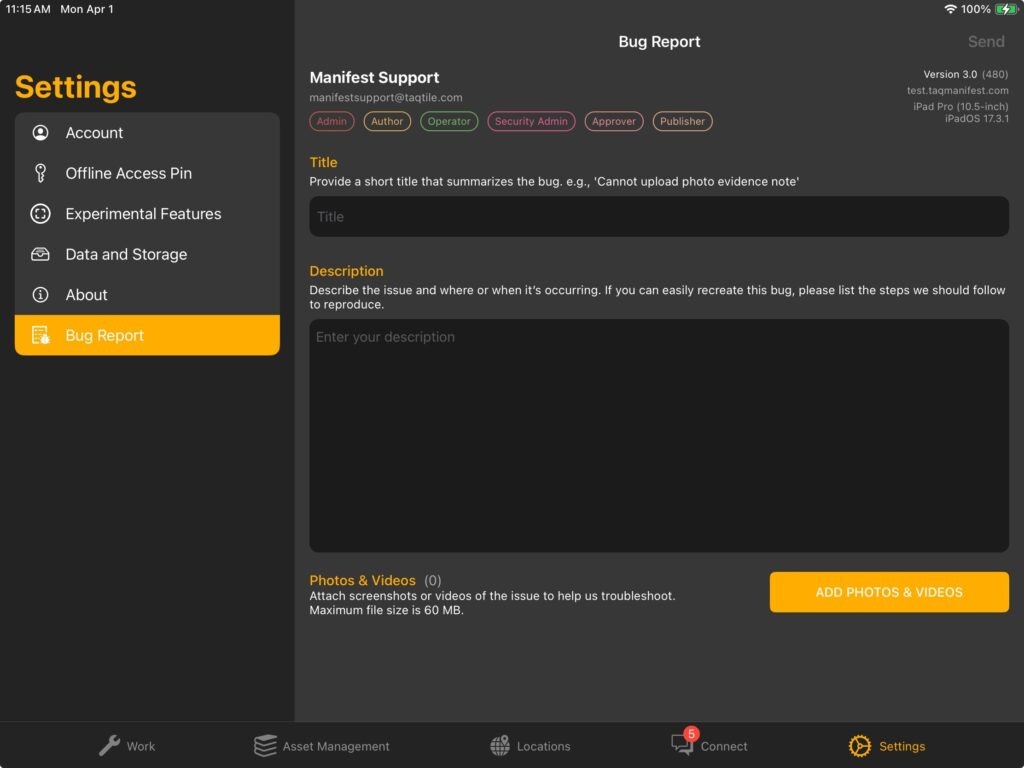
- While logged into the iPadOS Application, select ”Settings’ in the bottom right hand corner of the application
- From the left hand listing, select ‘Bug Report’
-
Enter the following information:
- Title
- Description
- Upload any applicable Photos & Videos
- Hit ‘Send’ in the top right hand corner (the ‘Send’ link will only be enabled once all fields are filled)
Reporting a bug to Manifest Support
To report a bug directly to Manifest Support, please send an email to support@taqtile.com with the following details:- Domain name
- User Account
- Device Type
- Version
- Description of issue
- Supporting files as relevant (screenshots, video, model files, etc.)
- Repro steps (if possible)
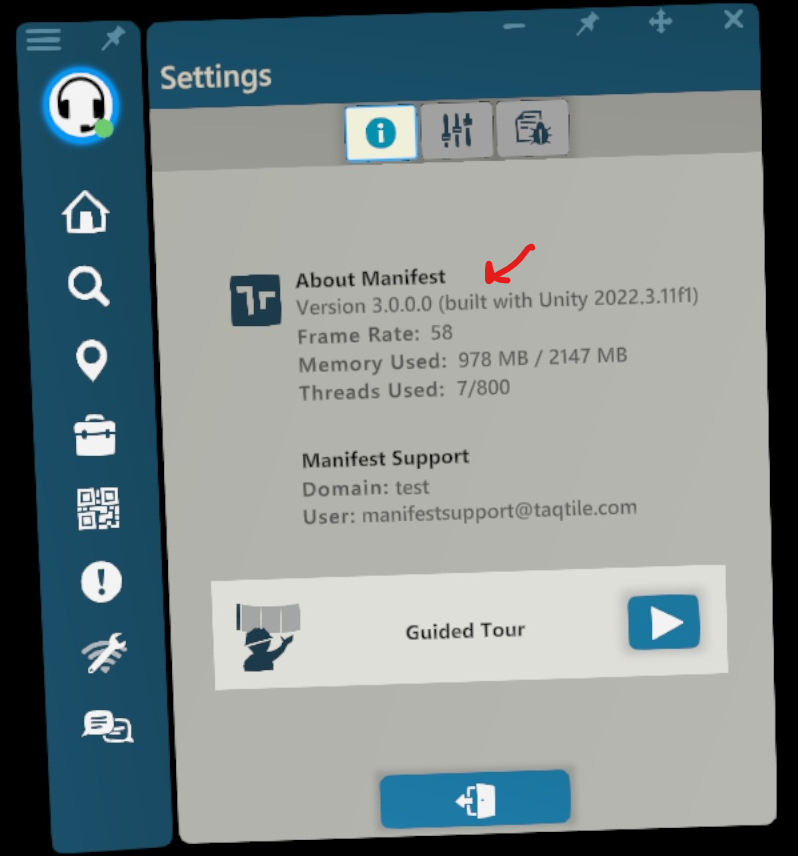
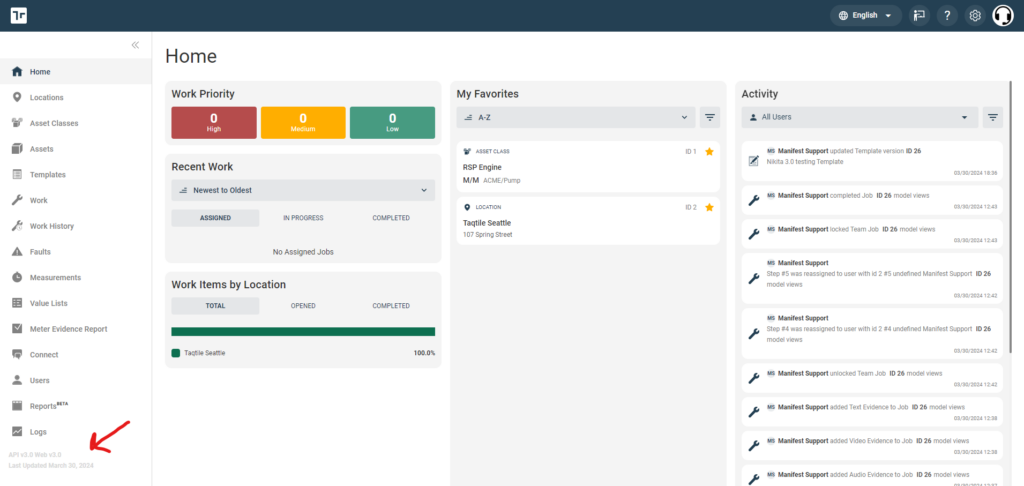
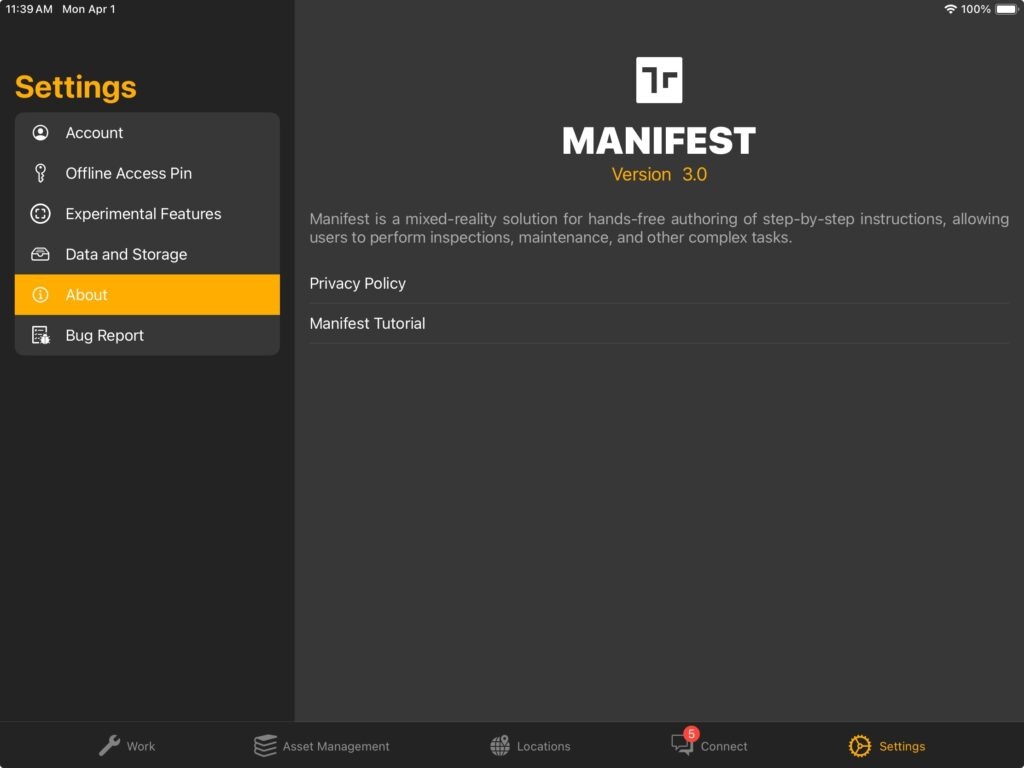
Where to find your version